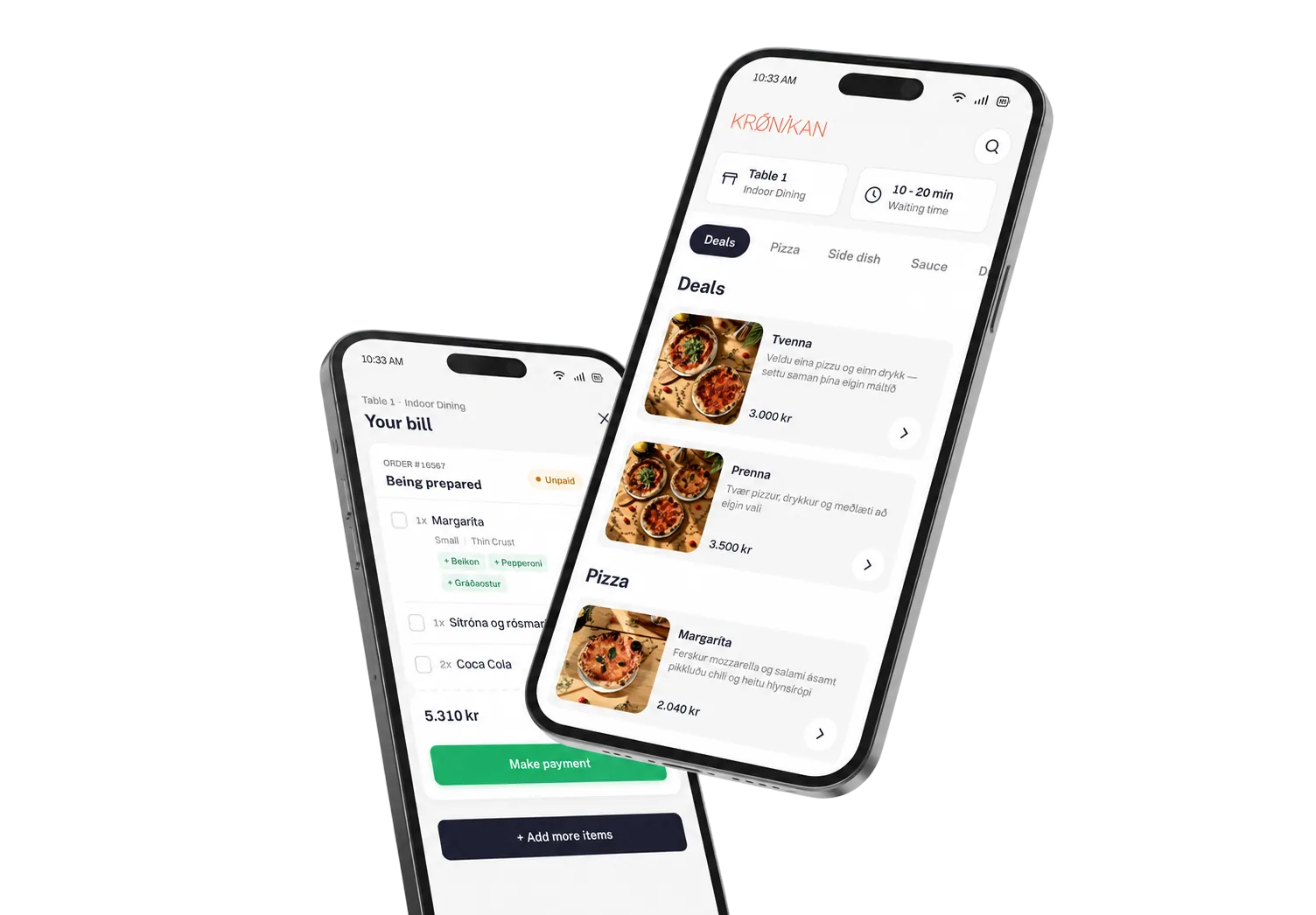
Change your website without waiting on a developer
The CMS sits in the dashboard, right next to the menu. Swap the hero image, update the text, pick the products you want in the spotlight — and it goes live the moment you hit publish.
What the CMS does for you
The same login as the menu
The website is edited in the Upsell dashboard, the same place as products, prices and opening hours. No separate CMS, no second login, and permissions follow the staff accounts you already have.
Ready-made sections that keep the design intact
You assemble sections built for your site: hero image, image collage, image with text, rich text, branch information, social links and highlighted products. Images come from your media library and are delivered at the right size in every spot.
Opening hours and locations stay current
The branch information section pulls opening hours, address, phone and map straight from the system when a guest loads the page. Change your hours in one place and the website follows.
Highlighted products straight from the menu
Pick products by hand or let a rule pick them — newest on the menu, best sellers over the last seven days or the last thirty. Prices and images come from the menu and update with it.
Drafts, scheduled publishing and version history
The working draft and the published version are kept apart. Work in drafts, schedule a change ahead of time, publish a whole zone at once, and roll back to an earlier version if something goes wrong.
Blog, news and events
Content collections hold repeatable items — blog posts, news, events or job openings. Each entry gets its own URL, images and tags, and you can search and sort across all of them in the dashboard.
Icelandic and English side by side
Every text on the site has a version in each language the venue uses. When a translation is missing the default language shows instead, so the page is never blank.
Stronger with the other products
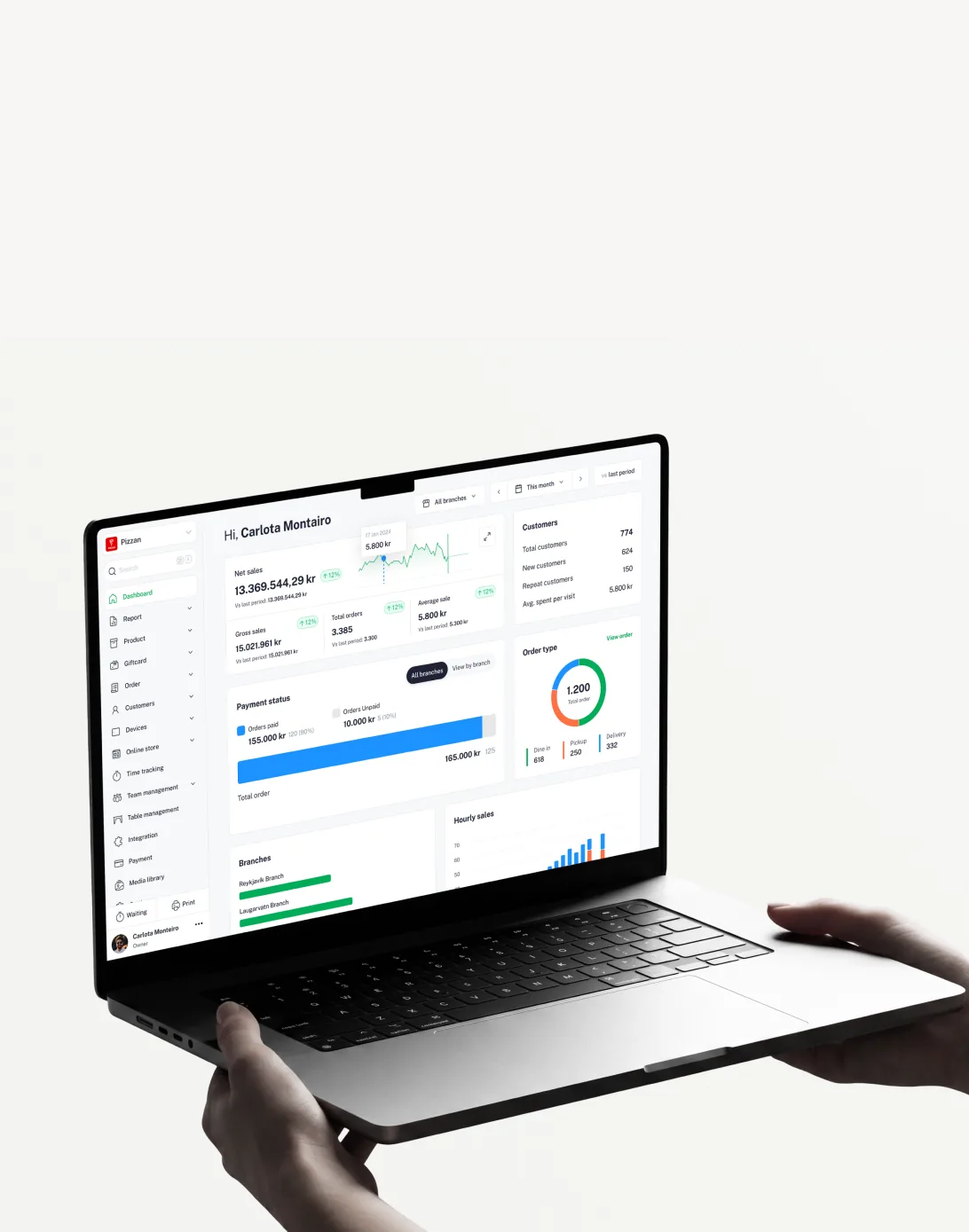
Dashboard
Your operation in real time
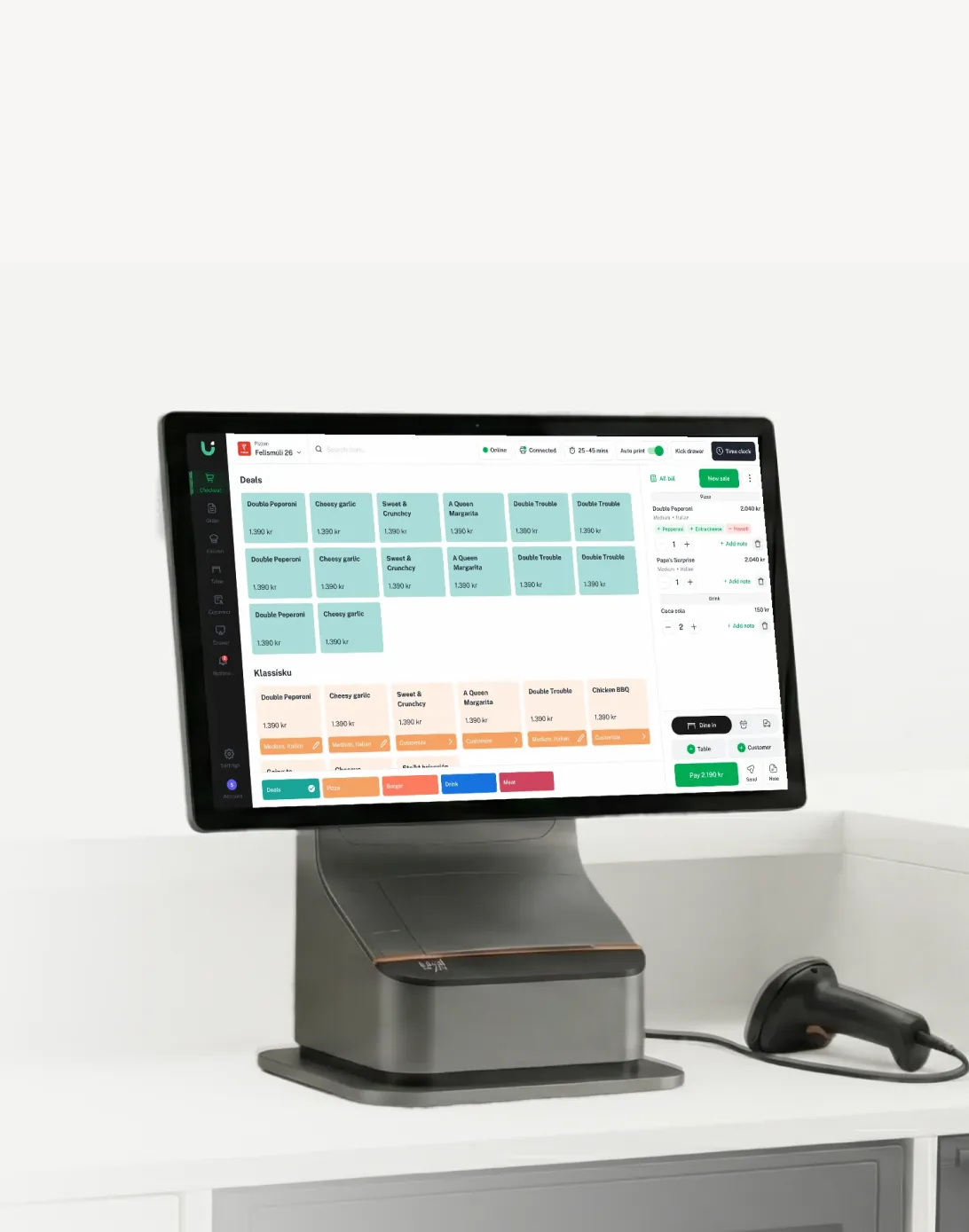
POS
Fast checkout on Android tablets
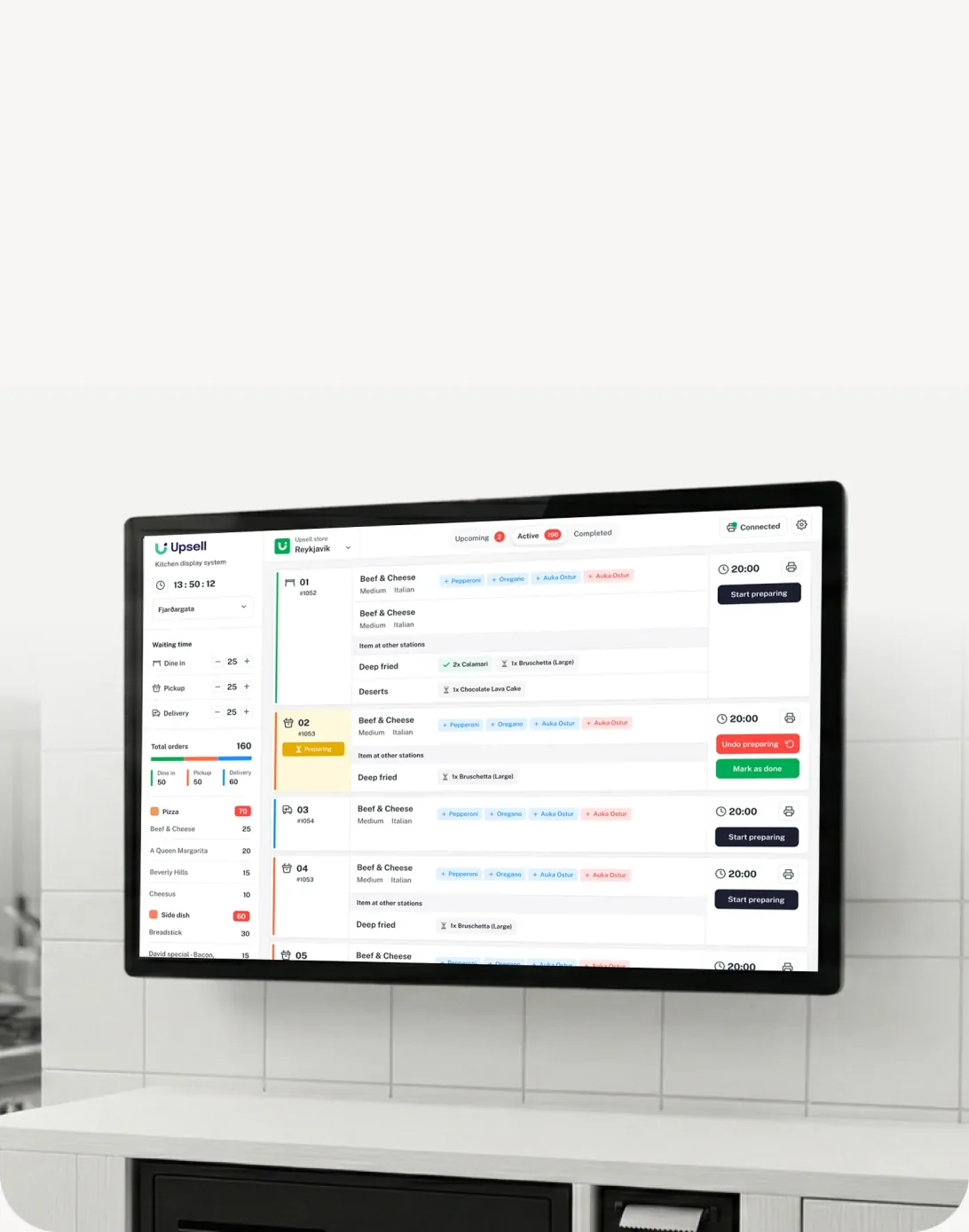
Kitchen display
Every order on one screen (KDS)
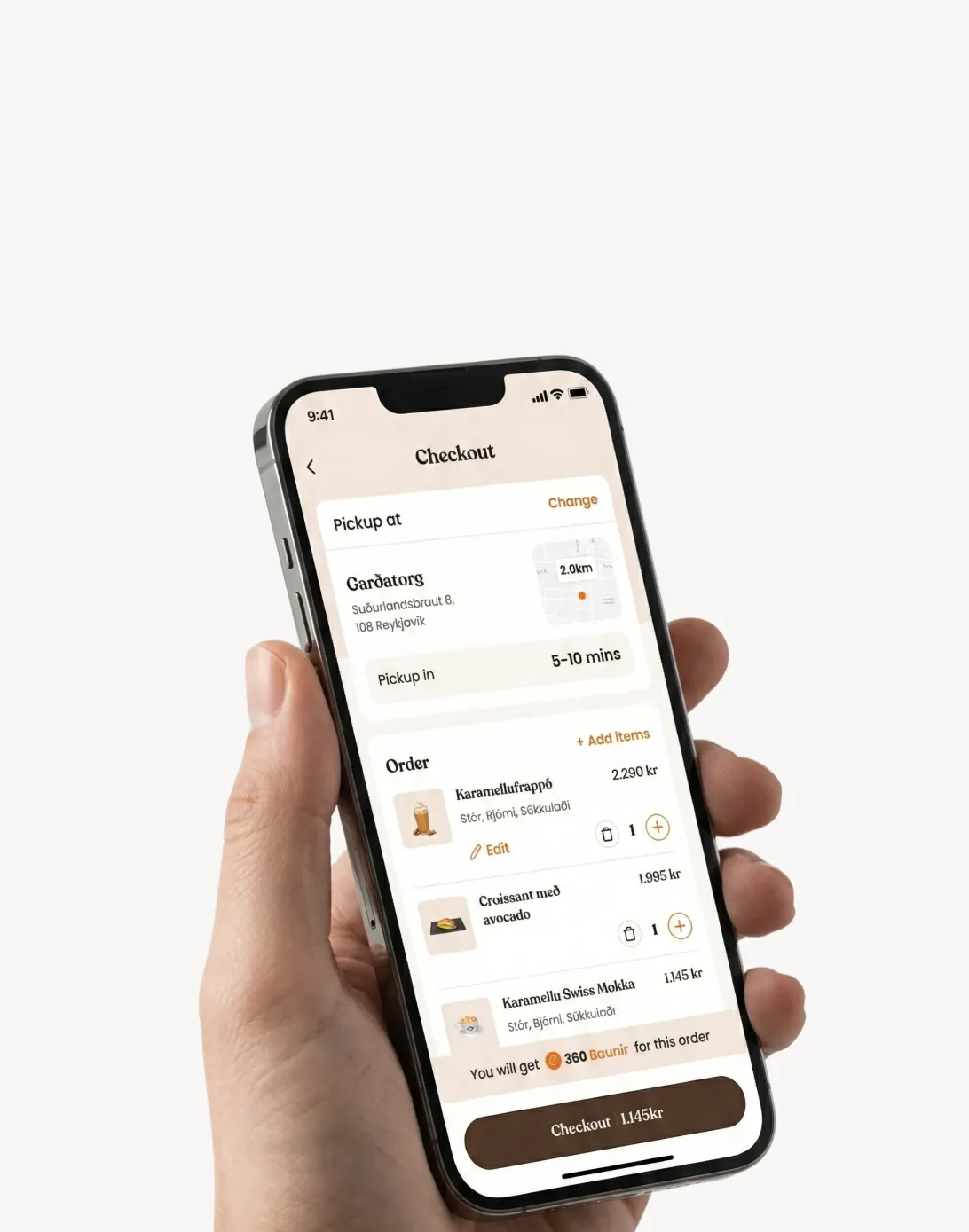
Online ordering
Ordering under your own brand
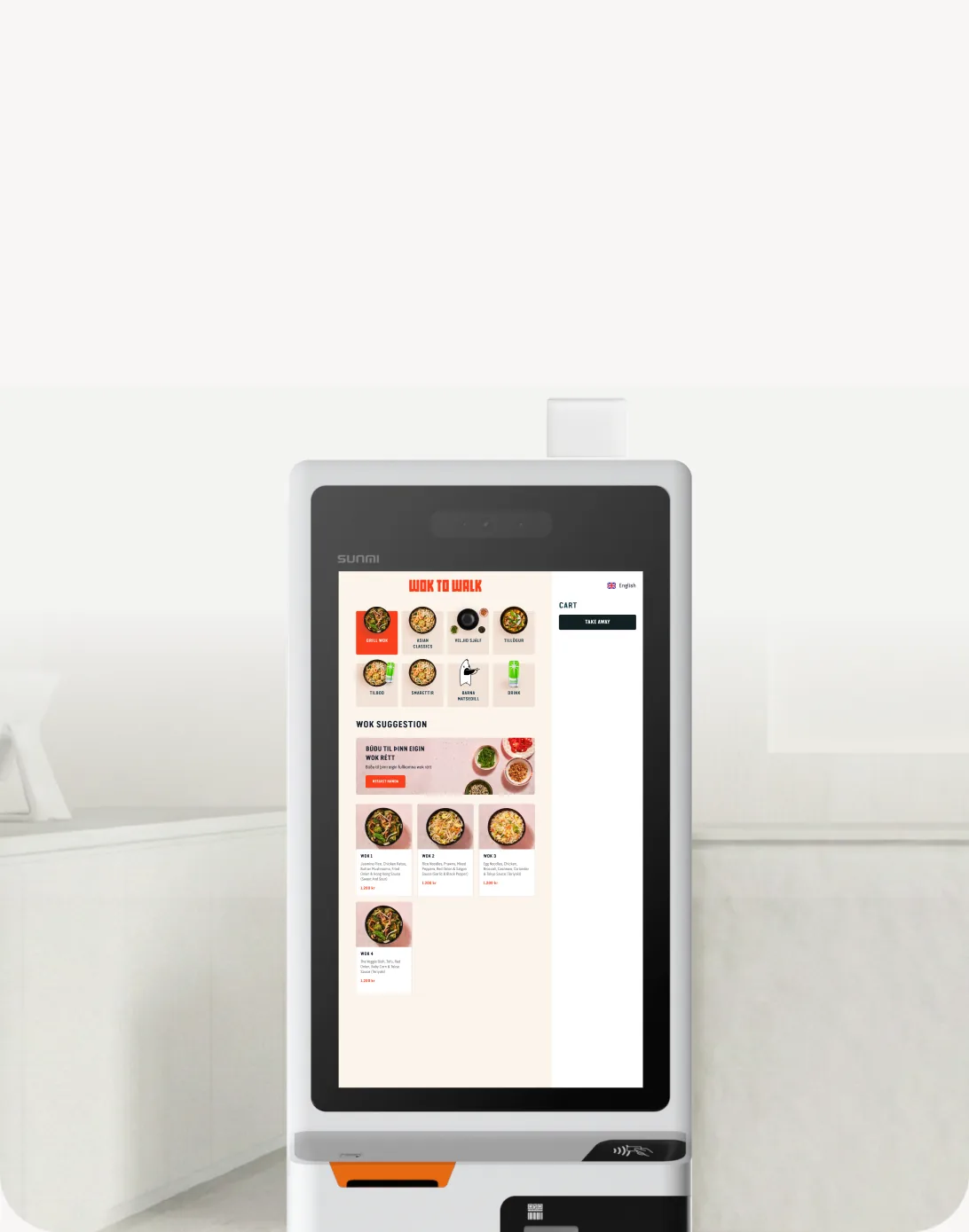
Self-service kiosks
Kiosks that cut queues and lift order value
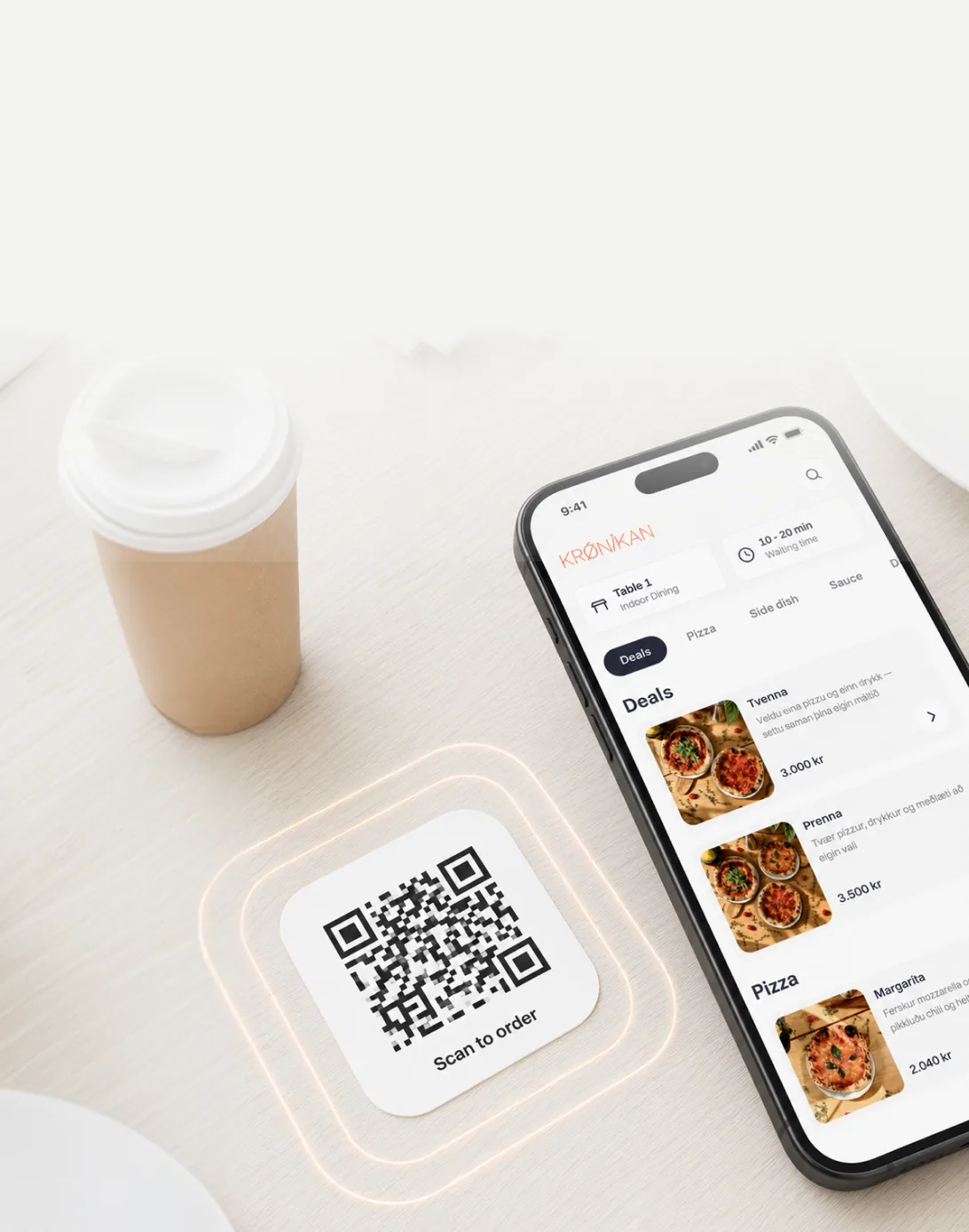
QR ordering
Table ordering from the guest’s phone
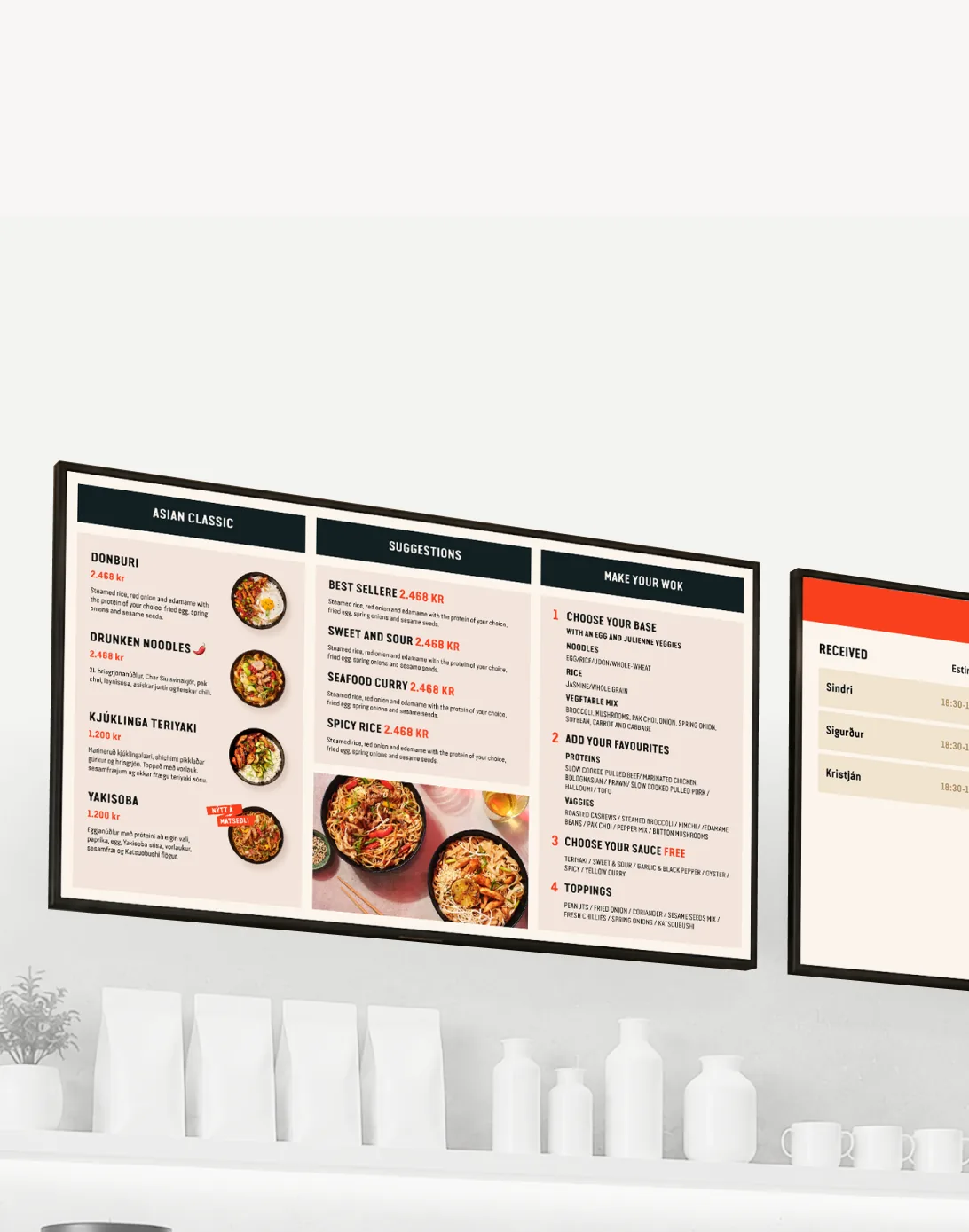
Digital menu boards
Menu screens that update themselves
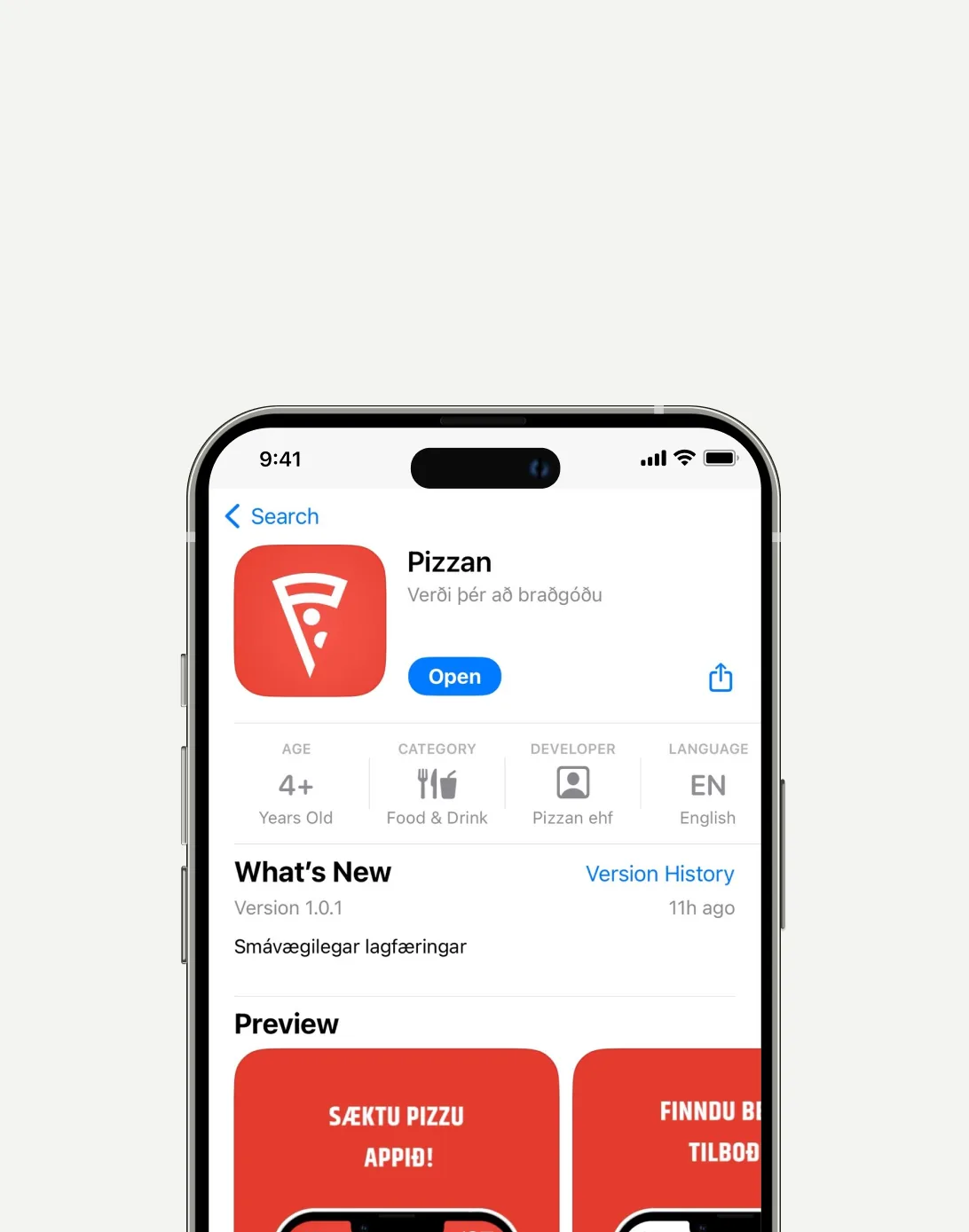
Custom apps
Your app in the App Store and Google Play
See the system with your menu in 30 minutes
We set up a demo with your products and your prices. No commitment, no setup fee.